Many viewers assume that having a 200 Mbps internet package guarantees buffer-free streaming. However, IPTV streams rely on consistent low latency and zero packet loss rather than raw download speed.
Even a brief 50-millisecond network hiccup can cause a live football feed to pause. In this tutorial, we show you how to optimize your home network for your Great IPTV subscription.
01Bandwidth vs Latency: What Really Matters
A steady 25 Mbps connection with low jitter performs significantly better than an unstable 500 Mbps connection with high packet loss.
Live television streams continuously in real time. Unlike Netflix or YouTube, which can pre-buffer several minutes of video, live sports can only buffer a few seconds ahead. To learn more about how our infrastructure handles load, read our anti-freeze technology explainer.
When multiple devices in your home compete for bandwidth—such as online gaming or cloud file backups—your streaming device can experience packet drops.
025 GHz Wi-Fi vs Ethernet Cabling
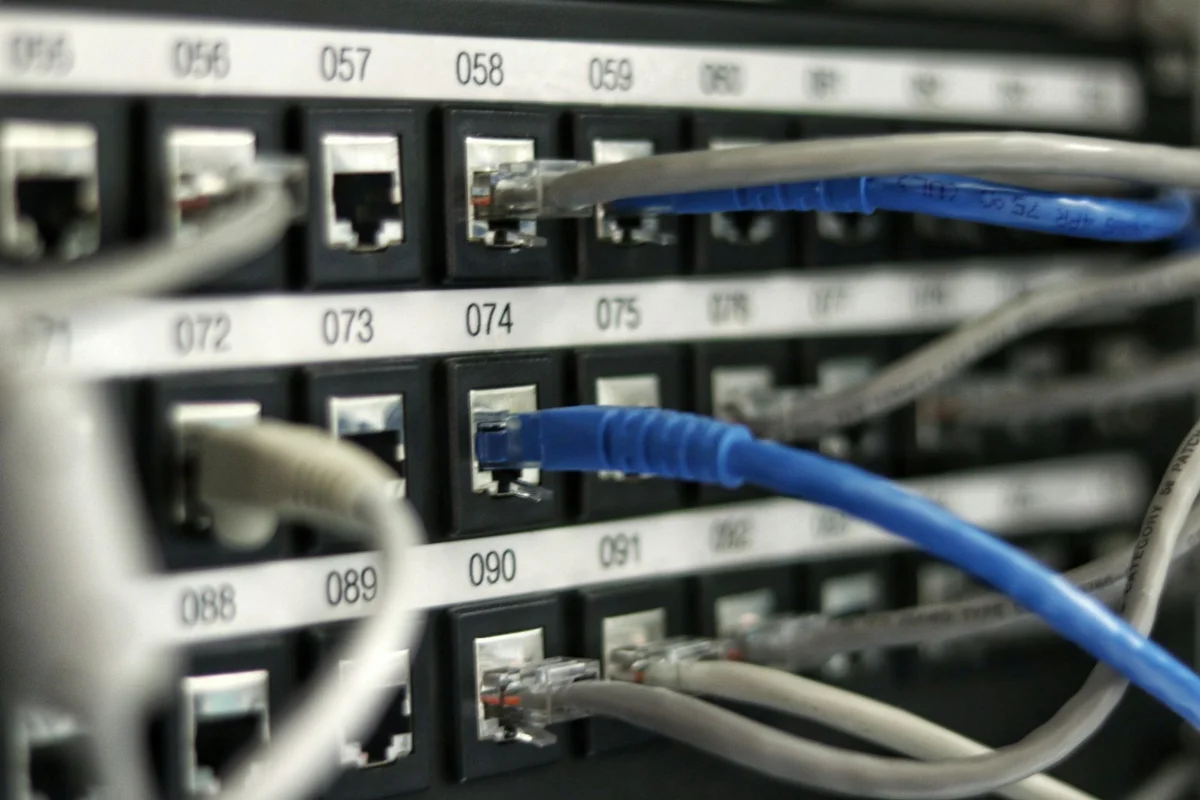
Whenever possible, connect your streaming box directly to your router using a Cat6 Ethernet cable. Ethernet eliminates radio frequency interference from household appliances.
If you must use Wi-Fi, always connect to the 5 GHz band. While 2.4 GHz reaches further through walls, it suffers from heavy congestion and lower speeds. See our device setup tutorials for specific network configuration steps.
03DNS Optimization for Faster Stream Handshakes
Default internet service provider (ISP) DNS servers can be slow and occasionally throttle media streaming links. Switching your router's DNS to Cloudflare (1.1.1.1) or Google (8.8.8.8) ensures faster stream resolution.
For step-by-step instructions on diagnosing connection errors, see our troubleshooting checklist and our buffering setup guide.
04Quality of Service (QoS) Settings
Most modern routers offer Quality of Service (QoS) controls in their administrative panel. Enabling QoS allows you to give top priority to the IP address of your television or streaming box.
If issues persist despite a healthy network, our support engineers are available on WhatsApp via our VIP contact desk to verify your server route.
Optimizing Your Setup for Zero Buffering
Maintaining low network latency, direct 5 GHz or Ethernet routing, and updated player decoders are essential for consistent 60 FPS live sports and 4K cinema playback. If you experience unexpected stream drops or want to test our Tier-1 anti-freeze network, contact our support desk below.